Troubleshooting
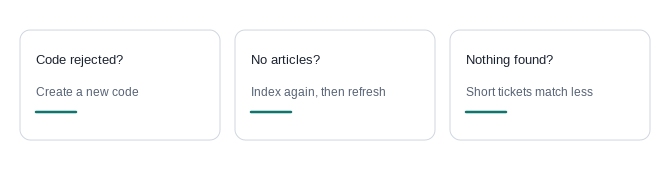
The code was rejected#
- Codes work once and expire. Press Connect extension for a new one and type it without delay.
- Check you are in the same workspace you signed in to.
No articles after indexing#
- Check the address opens without signing in. Only public pages are indexed.
- Press Resume indexing, or index again and read the status text.
Nothing found for a ticket#
- Reload the documentation in the extension and scan again.
- Short or non-English messages match less. See Scanning a ticket.
The scan says to open a ticket#
- Open a single ticket tab and wait until the conversation loads, then scan again.
The extension is out of date#
- Download the extension again, replace the folder and reload it. Settings in the extension shows the version.
Still stuck? Check the glossary and FAQ, or ask on GitHub.