Findings and CSV import
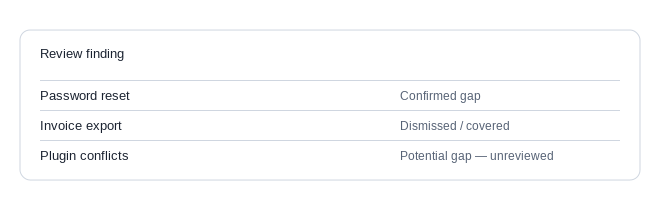
Check a question here#
- Open Findings, enter a subject and the customer question and press Check documentation.
- Set Review finding to Confirmed gap or Dismissed / covered.
- Press Save current reviewed metadata to store the review in your workspace. The question text is not saved.
- Export reviewed metadata downloads a CSV without the question or ticket content.
Historical ticket CSV#
- Open Historical ticket CSV and choose a UTF-8 file, up to 20 MB and 100,000 rows.
- Map the columns. ID, subject and description are required.
- Press Import and redact. Emails and similar details are replaced before anything is shown.
- Use Group and check imported tickets (up to 1,000) for a bulk check. Imported tickets live in the tab only.
Still stuck? Check the glossary and FAQ, or ask on GitHub.