Team and permissions
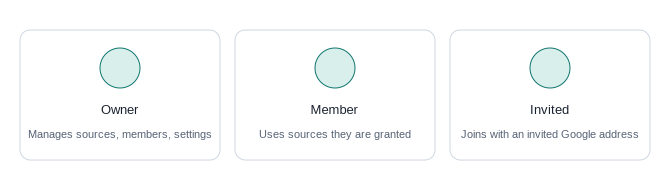
- Owners manage sources, members, invitations and Settings.
- Members use the documentation they are allowed to see.
- To invite someone, open Team, enter their Google account email and press Create invitation. No email is sent. Share the sign-in link yourself. Invitations expire after seven days.
- Restricted sources are visible to owners and to members who were granted them. Save documentation only if you are authorized to share it.
- Use New organization to create a separate workspace. The workspace switcher in the top bar appears when you belong to more than one.
Still stuck? Check the glossary and FAQ, or ask on GitHub.