The browser extension
The extension works in Chrome, Edge, Brave and Firefox.
Install#
Until it is listed in the browser stores, install it from the latest release or from the source:
- Chrome, Edge, Brave: open
chrome://extensions, turn on Developer mode, choose Load unpacked and pick the extension folder. - Firefox: open
about:debugging, choose This Firefox, then Load Temporary Add-on and pickmanifest.json.
Use it#
- Go to the page with the problem.
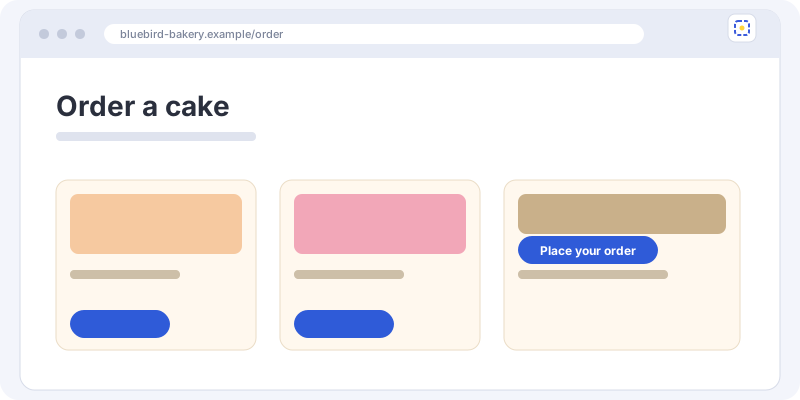
- Click the FixPin button, or press Alt+Shift+F.
- If the problem needs a click to appear, reproduce it now.
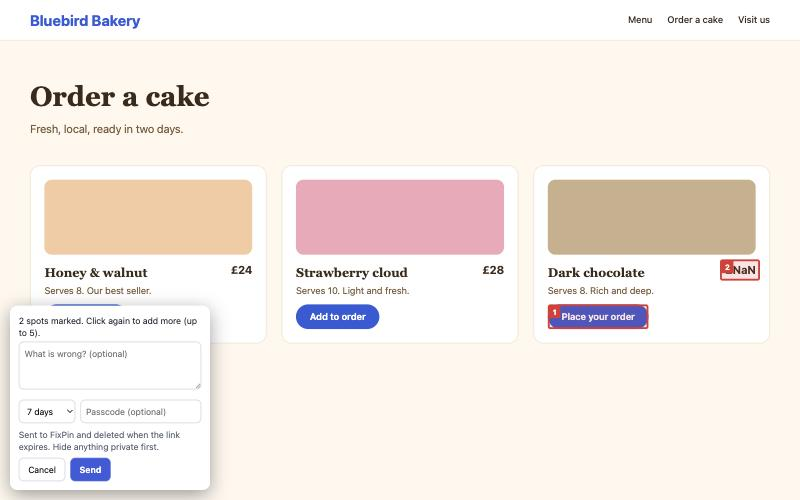
- Click the problem, or drag a box around it. Add up to 5 spots.
- Write a note, choose how long the link lasts, and press Send. The link is copied.
What comes with a report#
The screenshot, your spots (with the page element each one is on), the page address and title, your screen size and browser, and any errors that happened after you clicked the button: JavaScript errors, failed requests, and console errors and warnings.
What the extension can see#
It only runs on the page you click it on (the activeTab permission). It does not read pages in the background, has no analytics, and sends nothing until you press Send.
It can't run on browser pages (such as chrome://) or on the extension stores.
Still stuck? Check the FAQ, or ask on GitHub.