Reminders and the table
Some sheets are not only for reporting: they also track things that need doing. SheetPilot can turn date columns into reminders.
Reminders#
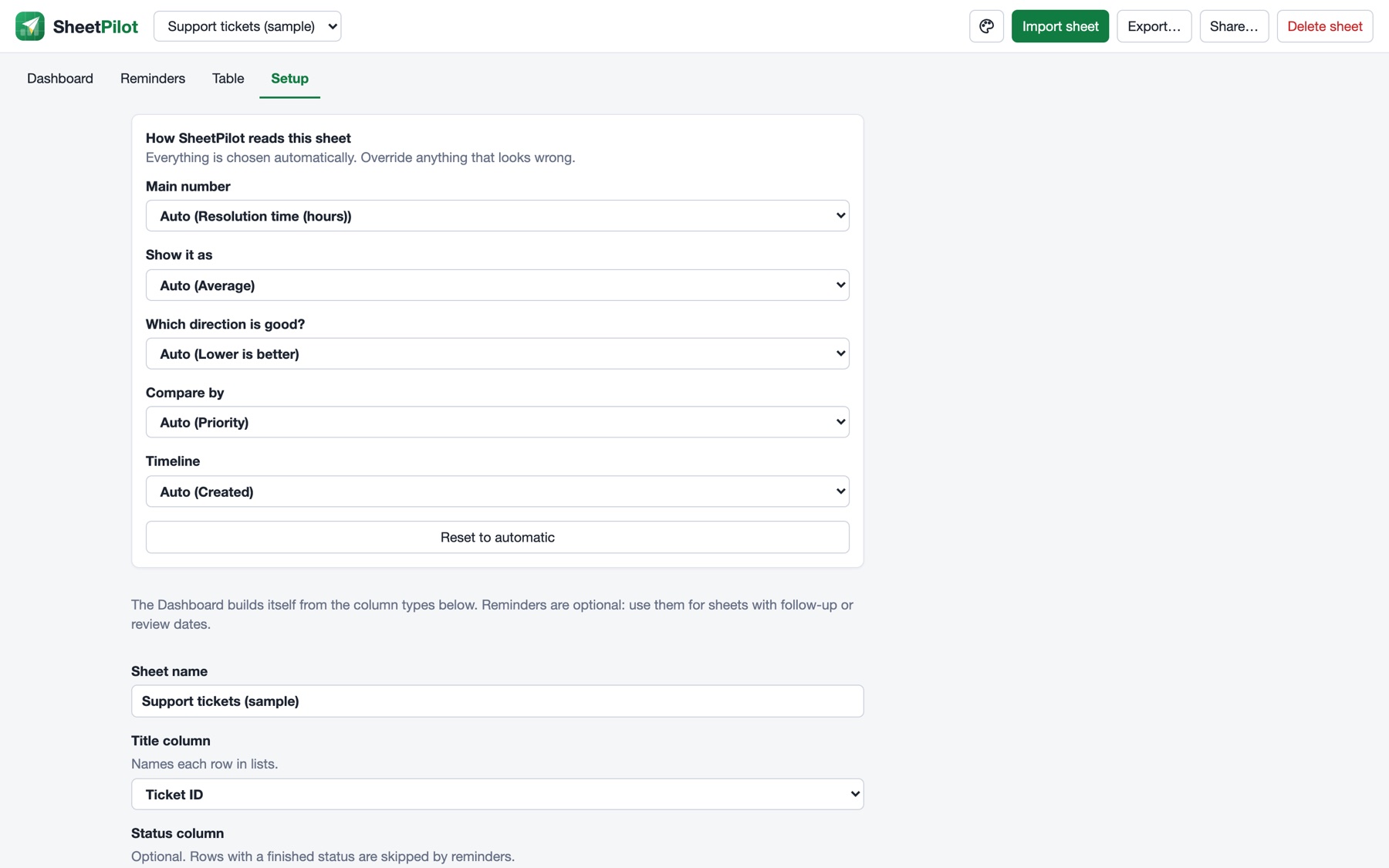
Open Setup → Dates that trigger reminders and tick the date columns that matter, such as Next follow-up or Review date. Use the offset to shift the reminder: 3 is three days after the date, -30 is thirty days before it (useful for contract end dates).
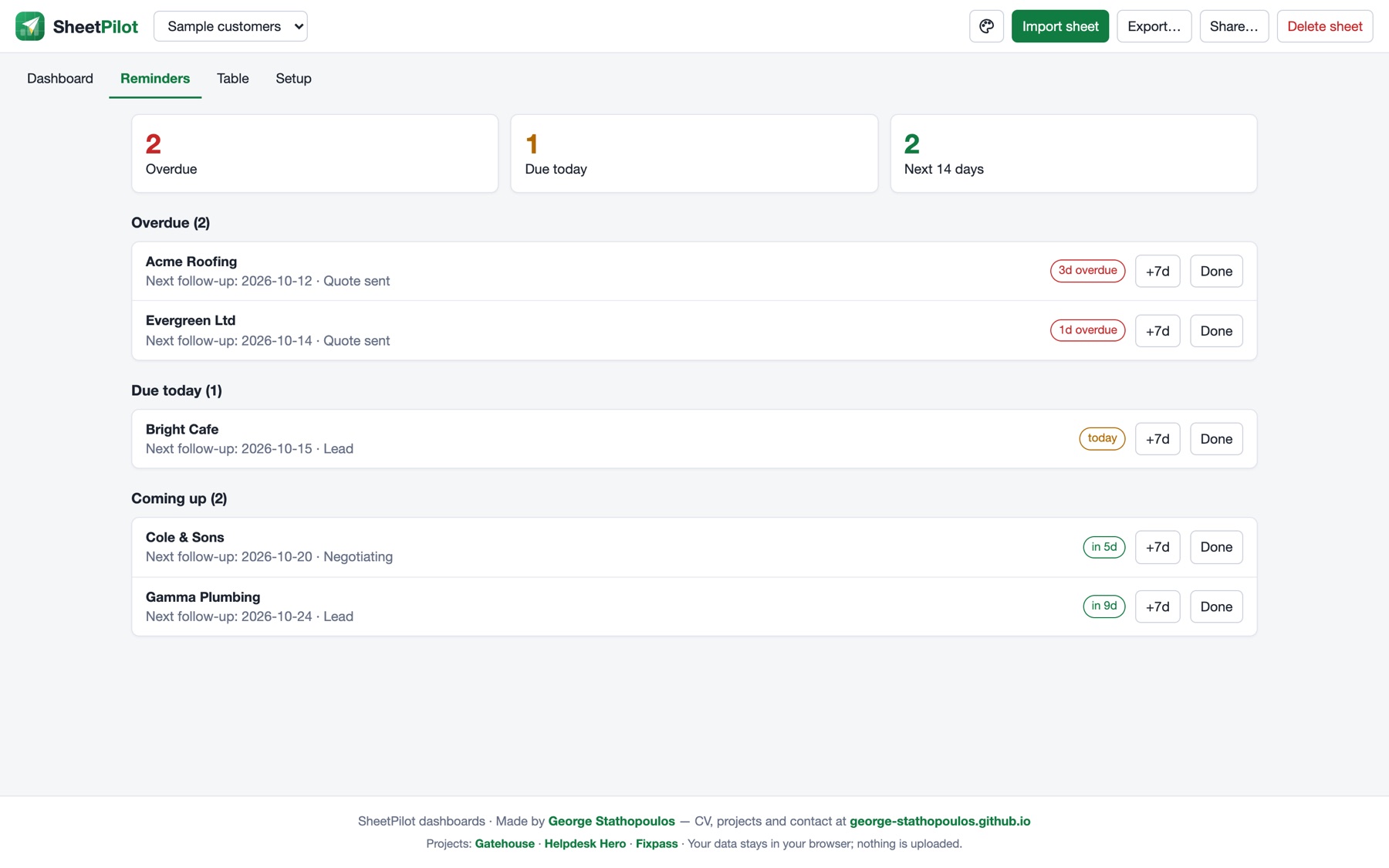
The Reminders tab then lists what is overdue, due today and coming up in the next 14 days. For each item you can:
- +7d to move the date a week later, or
- Done to clear the reminder (it comes back only if the date changes).
If your sheet has a status column, rows with a finished status (won, lost, closed, done, resigned…) are left out. Edit the list under Setup → Finished statuses. A Last contacted column and the no activity for N days rule can flag rows that have gone quiet.
The table#
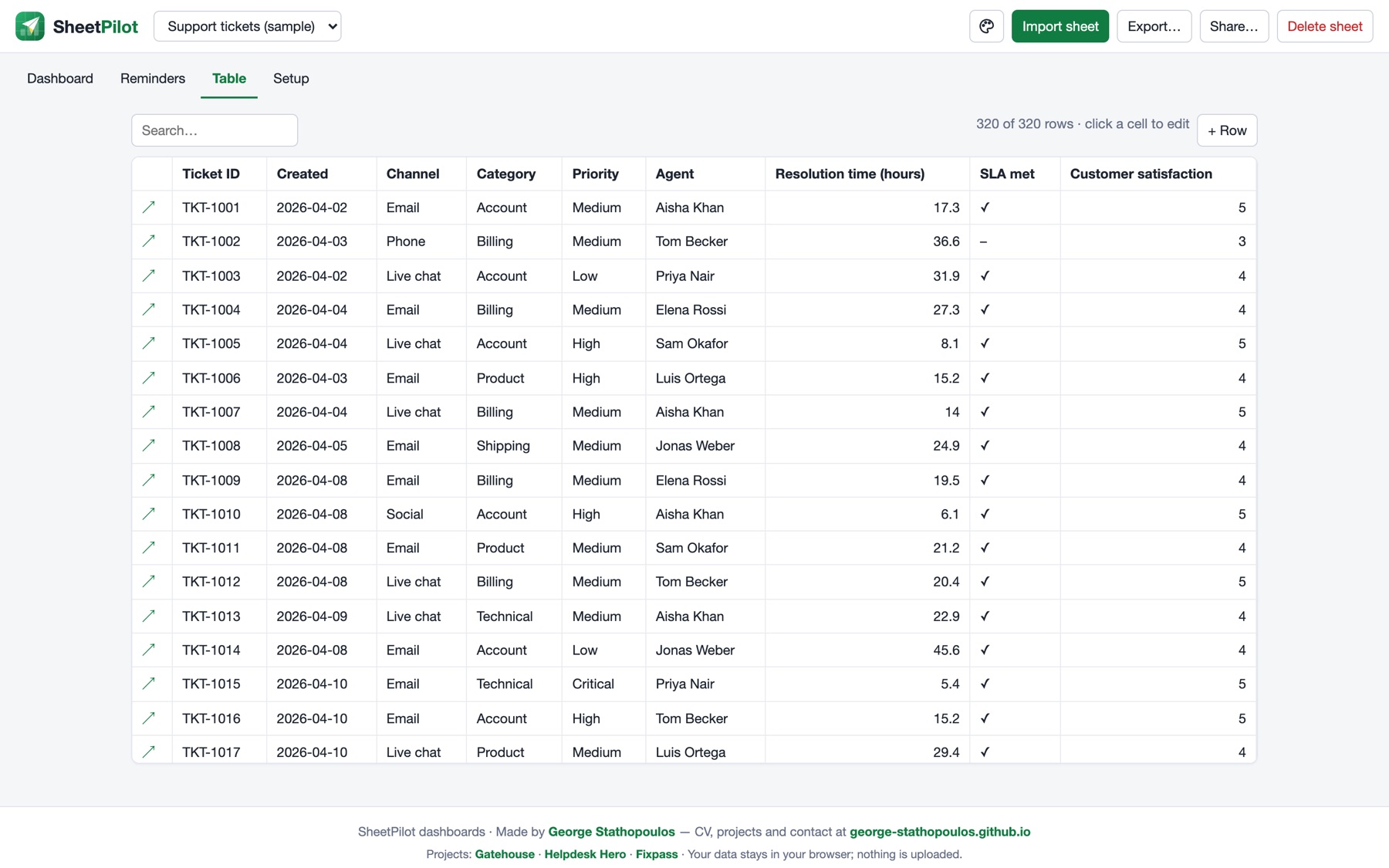
- Click a column heading to sort, and use the box to search.
- Click a cell to edit it. Yes/no cells toggle with a click.
- Click ↗ at the start of a row to open it. There you can read long text and add notes, which count as activity.
- + Row adds a row.
Edits are saved in your browser, and the dashboard updates with them.
Next: Messy sheets and supported files.
Still stuck? Check the FAQ, or ask on GitHub.